using the trained model
once your run completes, there are two ways to interact with your trained model directly from castform.
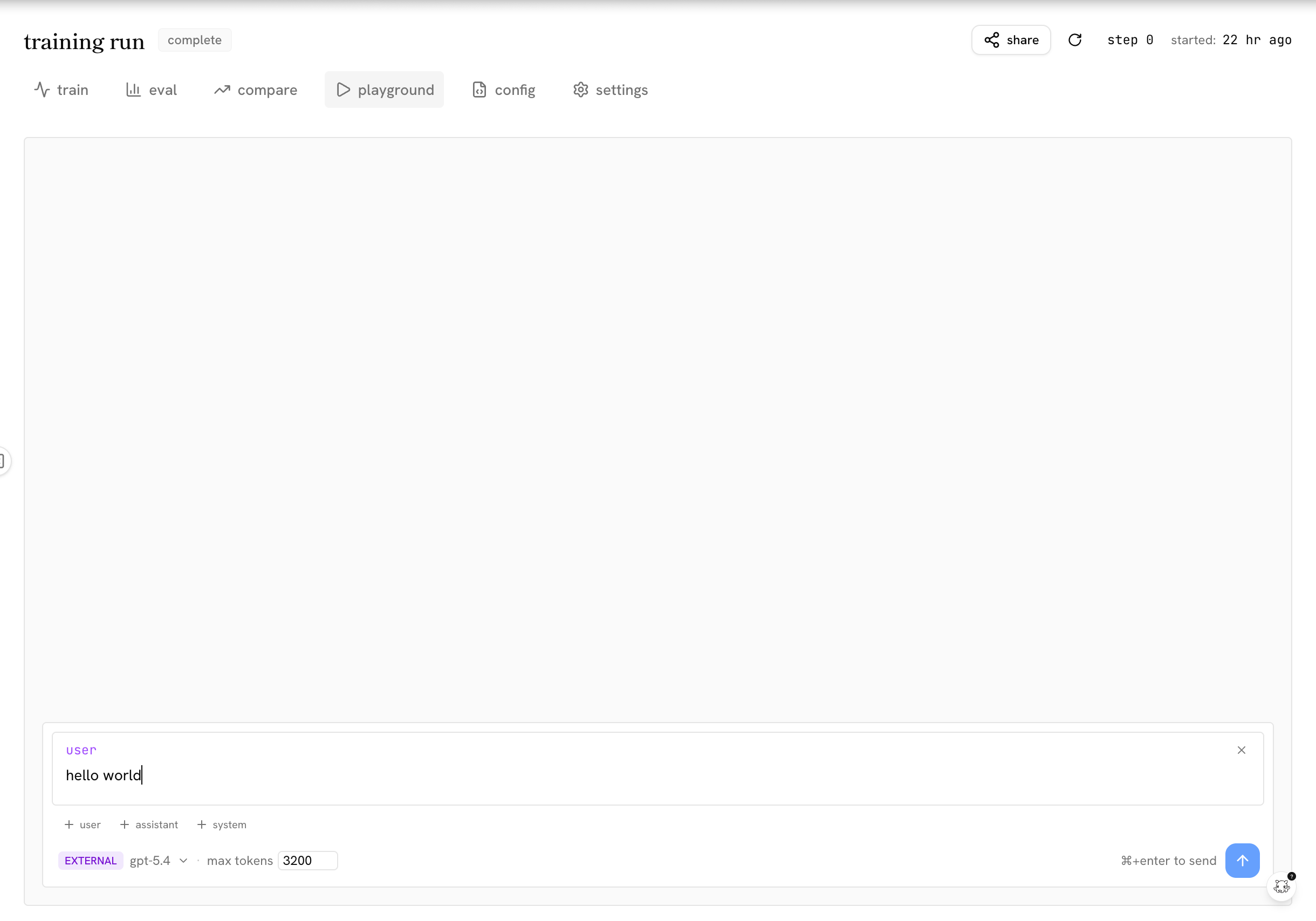
playground
the playground tab on your training run page lets you chat with your model both during training and after training. type a message and hit send to see how your model responds.
fine-tuned model endpoint
you can also call your trained model programmatically through castform’s openai-compatible endpoint, drop-in for any existing integration. see inference below for the full example.
downloading trained model weights
castform trains lora adapters by default. download your checkpoint from the settings tab on your training run page.
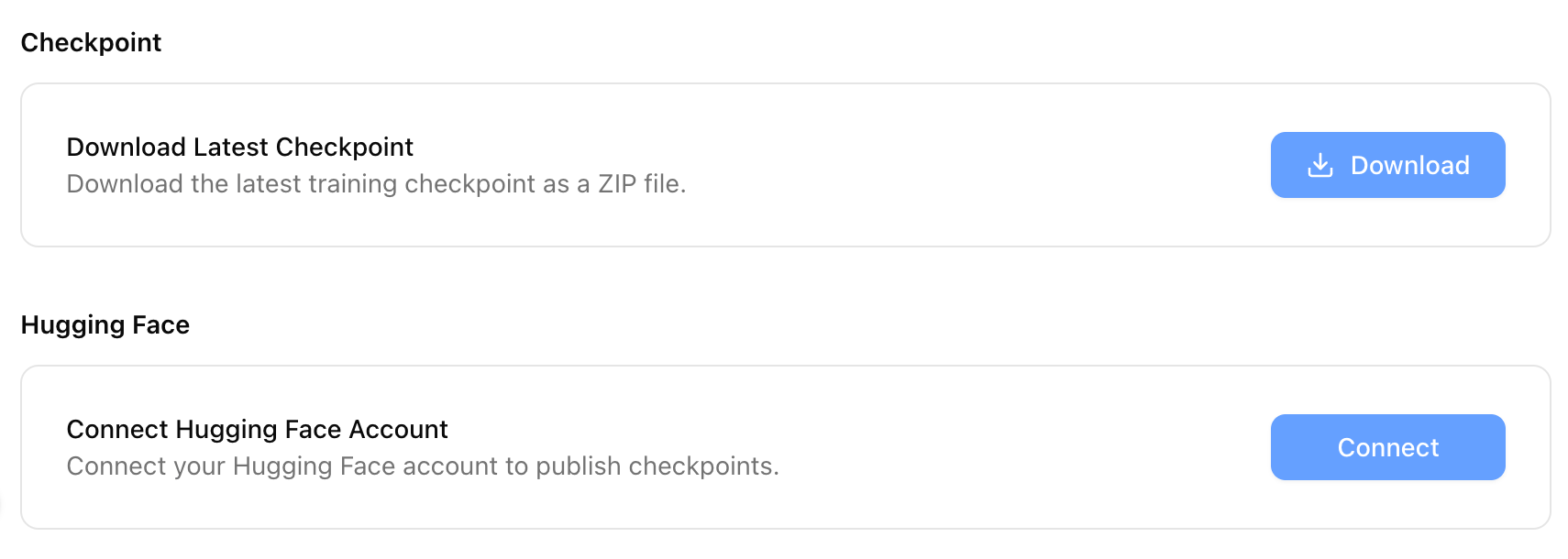
click download to get the latest checkpoint as a zip file. the archive contains the lora adapter weights, not a full merged model. you can also connect your huggingface account to publish checkpoints directly.
once downloaded, you decide how to use the adapter:
- apply it at inference time: load the LoRA adapter on top of the base model using libraries like peft, sglang or vLLM. this keeps the base model unchanged and lets you swap adapters without reloading all the weights.
- merge it into the base model: combine the adapter into a single set of weights for simpler deployment. use
peft.merge_and_unload()or equivalent tooling.
inference
for a quick test right after a run finishes, you can call your fine-tuned model directly through castform’s openai-compatible endpoint.
- provision an api key from the api keys page in your portal.
- reference your model as
ft:<base-model>:<run-id>:<checkpoint>— the run id is on your training run page, and the checkpoint is the iteration number (orlatest).
from openai import OpenAI

client = OpenAI(
    base_url="https://llm.castform.com/v1",
    api_key="sk_...",  # from your castform portal
)

response = client.chat.completions.create(
    model="ft:qwen3.5-4b:3f8e1b2a-7c4d-4e9f-8a1b-2c3d4e5f6a7b:latest",
    messages=[{"role": "user", "content": "hello!"}],
)
print(response.choices[0].message.content)
this endpoint is meant for quick testing. for production serving, get in touch and we’ll set up a dedicated deployment sized to your workload.
next steps
- evaluating your model: compare against baselines before deploying
- monitoring a run: review metrics and rollouts from your training run